
Connectors
Overview
Your connected services can be found in Settings > Connectors or through the (+) context button or the (@) mention menu. okWOW connectors features enables you to integrate with 3rd party apps directly from the okWOW interface.
Current availably connectors are: Google Workspace, Slack, Notion, Zoom, Figma, GitHub, Linear. Connecting to all these apps with OAuth follows this workflow.
Connector Management
Adding New Connectors
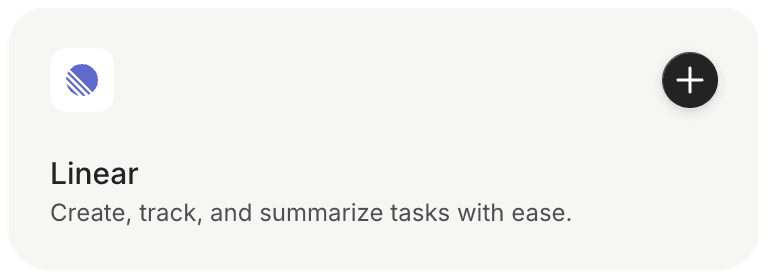
Add new connectors by clicking the (+) button. You will be redirected to the 3rd party application to authorize your account. You can set the privacy settings for what okWOW has access to now.
Disconnect
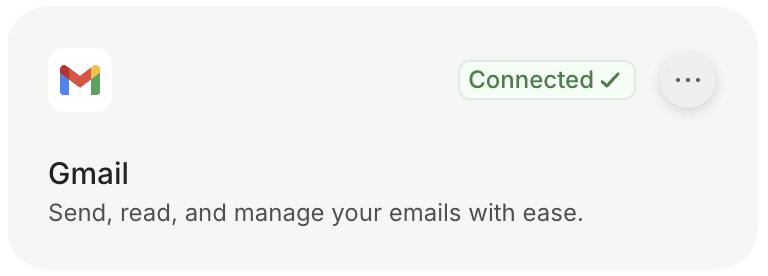
Disconnect from any 3rd party integration at any time by navigating to the connectors menu from any of the options listed above. Click the ellipses (…) and click disconnect. This will instantly disconnect okWOW from using your account in the 3rd party integration and will require reconnecting and reauthorization.