
Settings
Overview
Your profile can be found in Settings > Profile
Profile Management
Editing Your Profile Picture
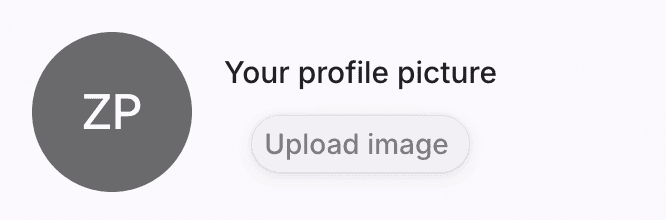
The default avatar will be the first and last initials of your account. To add a new photo, hover over the avatar until the plus button shows up, and click on it. A pop-up folder will show up for you to select the photo you want to update. Or click the "Upload Image" button.
Once you've updated your avatar, you can remove it and it will reset to the default.
Name, Company, and Role
To change your first/last name, company or role enter new values into the input fields. These fields are required for okWOW.
You currently cannot change the email tied to your account.
Deleting or Deactivating
Currently you cannot delete or deactivate your account in the app. In order to delete your account email support@okwow.ai with the subject "okWOW Account Deactivation Request"