
Threads
Overview
Threads are ways to branch or fork from an existing canvas with different modalities. Currently, threads are only available after a document has been generated.
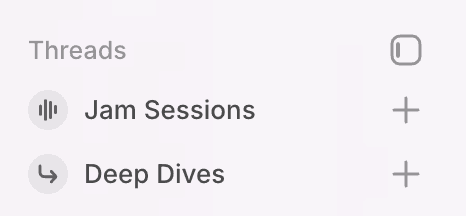
Jam Sessions
Jam sessions are Voice conversations you can have with Indi. These are designed for speech to speech conversations for full hands free conversation. Jam sessions can be started at any time from an empty prompt form, by selecting the plus button next to Jam Sessions in the threads menu or by selecting text in a generated document and opting to start a Jam session.

Deep Dives
Deep dives are true conversation forks for going into tangents or exploring new ideas based on a canvas. When a deep dive is started, the Deep Dive agent can see the most recent messages and generated document for context to understand where you are leaving off. At the end of deep dives, you can opt to generate a document and apply it back to the source document. Start a Deep Dive from the threads menu or by selected text in a generated document and clicking deep dive. When you start a deep dive by selecting text in a generated document, the Deep Dive agent is alerted that the selected text will be the main focus of this Deep Dive.